Sticky Notes OBS Browser Source
A downloadable tool
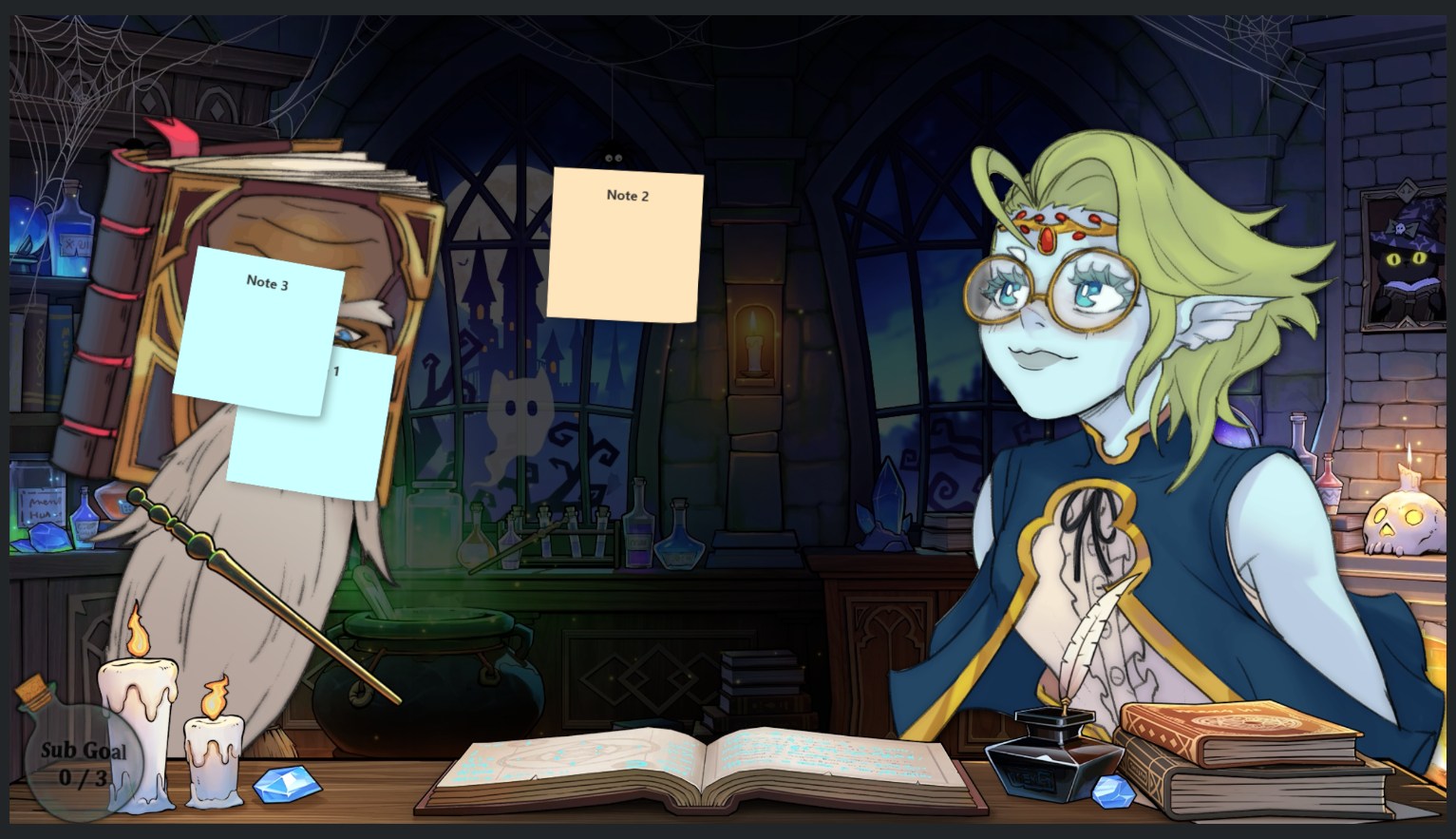
A browser source for OBS that displays lines from a txt file as sticky notes
The txt file it reads from is called notes.txt and must be in the same folder as sticky_notes.html
When a new line is added to notes.txt, a sticky note is placed randomly and if an a old line is removed, it falls off
How to use:
- Open OBS and add a Browser Source
- Enable Local File
- Select sticky_notes.html
- Set the desired width/height and press ok
You can update the txt file using apps like SAMMI or Streamerbot, the alternate download is a SAMMI deck that will update the text file with a chat message every second with a maximum of 10 lines in the text file, to use the SAMMI deck, copy the contents of the txt file and click paste deck, you will need to update the file location before using it in the Sticky Notes Update button
Purchase
In order to download this tool you must purchase it at or above the minimum price of $1 USD. You will get access to the following files:

Leave a comment
Log in with itch.io to leave a comment.